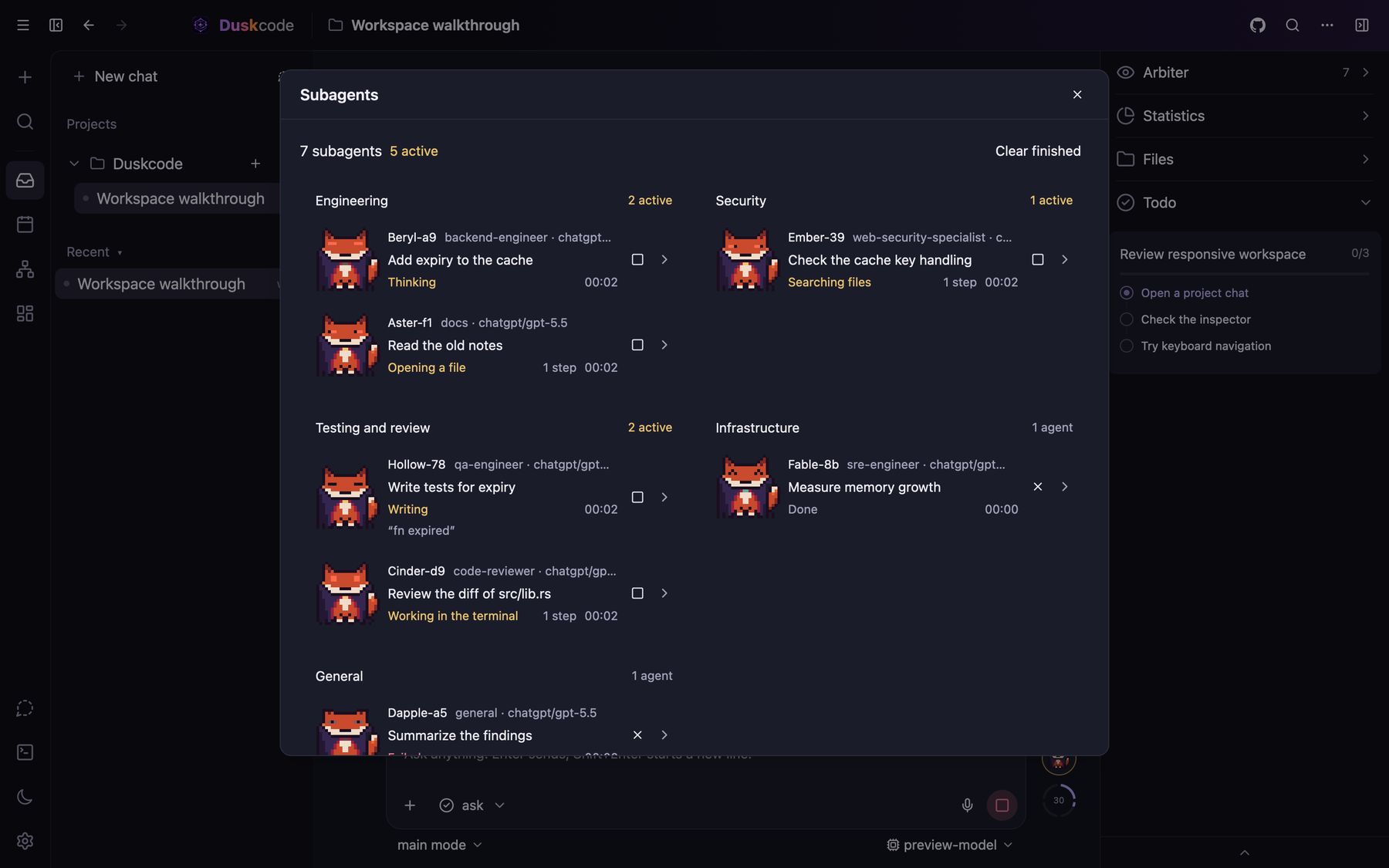
Desktop duskcode-gui
Chats and projects, a file viewer and editor, your own terminal in a panel, subagents and the arbiter in windows of their own.
Open the same chats from the desktop app, terminal, or browser. Built in Rust, open source, with chat history stored locally.
curl -fsSL https://raw.githubusercontent.com/DroBov1Tya/dusk_code/main/install.sh | sh
macOS arm64 and Linux x86_64 / arm64 · MIT · Releases
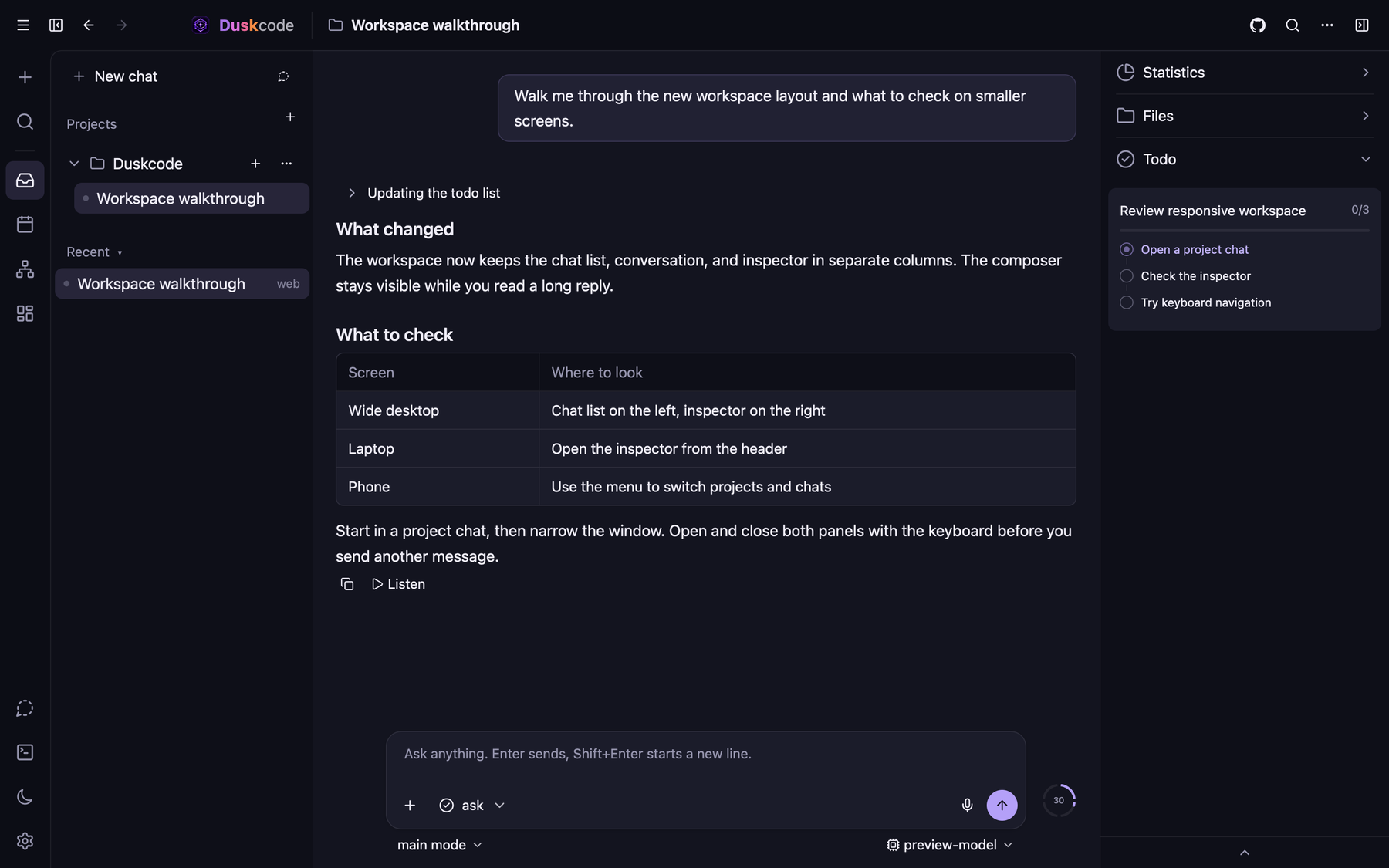
They draw the same threads over one protocol, so a chat started in one opens in another, and a feature lands once.
duskcode-guiChats and projects, a file viewer and editor, your own terminal in a panel, subagents and the arbiter in windows of their own.
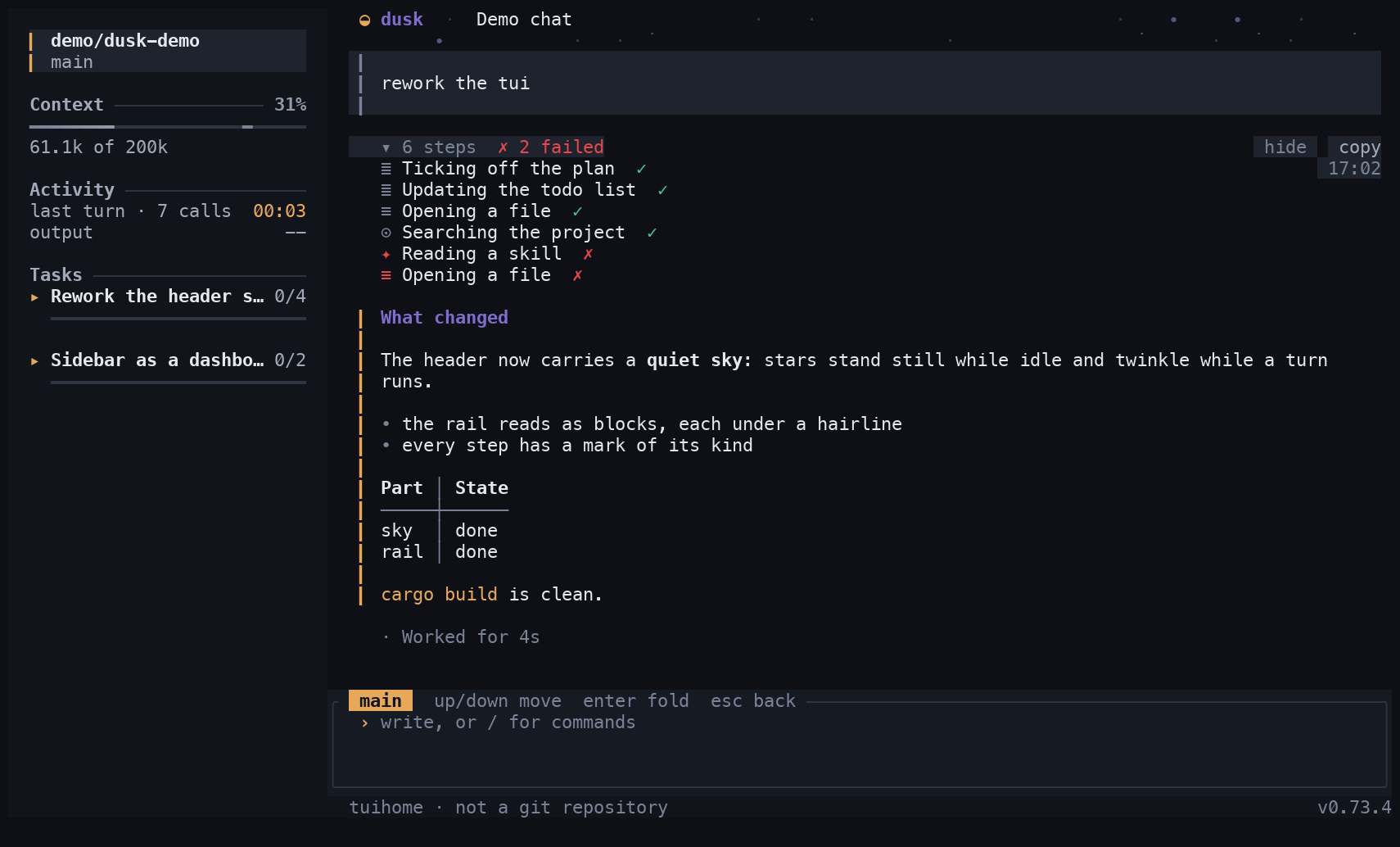
duskcodeFull screen in any terminal, 24-bit colour, keyboard and mouse. Runs on a server over SSH, and headless with duskcode run.
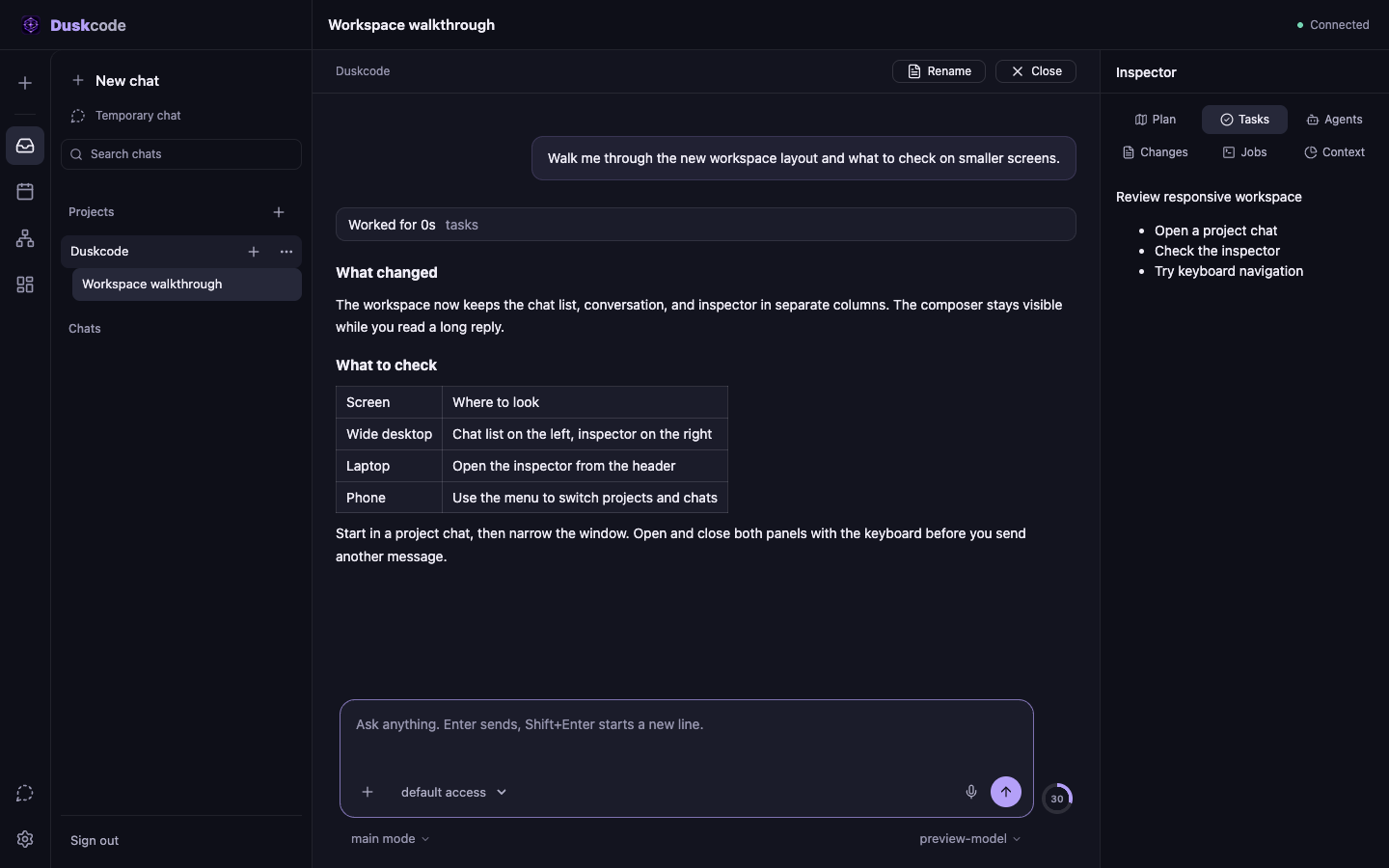
duskcode --webThe same chats in a browser, served by the core. Bound to this machine unless you open it to your network.
The work of a coding agent, with the parts you may want to read or change kept as plain files.
Reads, searches and edits files, runs commands in the foreground or as background jobs, and keeps a task list while it goes.
Specialist agents by role, several at once, each in a thread of its own. An arbiter can answer their approval requests under your rules.
Ask, sandbox, arbiter or full access, set per chat. An approval nobody can give is denied.
Skills loaded when a task needs them, MCP servers for tools, plugins for providers, hooks and platforms such as a Telegram bot.
Notes per project and about you are Markdown files. A temporary chat lives in memory and leaves nothing on disk.
Goals with acceptance criteria, scheduled runs, context compaction, forks from a summary and undo to an earlier message.
OpenAI, Anthropic and Google with an API key; any server that speaks the OpenAI API; local models on localhost. Or sign in with ChatGPT and use the models of your plan:
A Claude subscription cannot be used this way: Anthropic allows signing in with a Claude account only in its own apps. Claude models work with an API key.
No duskcode account or hosted chat storage. Tracing is off by default. Model requests go to the provider you configure.
Secrets are kept in the system keychain. Without it, provider API keys stay in a private local config file.
Duskcode connects to the providers and servers you set up, checks GitHub for updates, and fetches the signed catalog when you open the Workshop.
Files and git only in saved projects; paths are canonicalized, and .. or a symlink that leads out is refused.
The MIT-licensed source and dependency lockfile are public.
duskcode is free and has no paid tier. If it saves you time, a coffee is welcome. Issues and pull requests help as much.
bc1q636n7dg4kwjqn0tm4v5vlxfwzydqgte4423xkzltc1q0xdfq0ze6f2cqdufgnnm3p3fls5km9qvjj2vkd